Tuesday, May 31, 2022

Citation.js Version 0.6: CSL v1.0.2

Since the citation-js npm package was first published, version 0.6 is the first major version of Citation.js that did not start out as a pre-release. Version 0.3 itself spent almost 6 months in pre-release, but only received updates for less than half a month. Version 0.4 spent more than a year in pre-release and received updates for about 4 months. Version 0.5 takes the cake with one and a half years in pre-release, receiving updates for a year, also making it the best-maintained version.

Yellow flowers with lots of little "rays" on greenish brown stems

Tussilago farfara, March 27th, 2022

Version 0.6 is a major version bump because it introduces a number of breaking changes, including raising the minimal Node.js version to 14. Since April 2022, Node.js 12 is End-Of-Life, which led to a lot of dependencies dropping support. Now, Citation.js does so too. Other changes include the following:

Update data format to CSL v1.0.2

The internal data format is now updated from CSL v1.0.1 to v1.0.2. This introduces the software type and the generic document type, as well as some other types, and some new fields. The event field is also renamed to event-title. That, and software replacing book, makes it so that CSL v1.0.2 is not compatible with CSL v1.0.1 styles, making it a breaking change.

  • CSL data is now automatically upgraded to v1.0.2 on input.
  • Cite#data ((new Cite()).data) now contains CSL v1.0.2 data.
  • Output formatters of plugins now receive CSL v1.0.2 data as input.
  • util (import { util } from '@citation-js/core') now has two functions, downgradeCsl and upgradeCsl, to convert data between the two versions.
  • The data formatter (.format('data')) now takes a version option. When set to '1.0.1', this downgrades the CSL data before outputting.
  • @citation-js/plugin-csl already automatically downgrades CSL to v1.0.1 for compatibility with the style files.
  • Custom fields are now generally put in the custom object, instead of prefixing an underscore to the field name.

The mappings are also updated. Especially the RIS and BibLaTeX mappings were made more complete by the increased capabilities of the CSL data schema. Non-core plugins are also being updated, mainly affecting @citation-js/plugin-software-formats and @citation-js/plugin-zotero-translation-server.

Test coverage

While updating the plugin mappings, the test suites of the plugins were also expanded. This led to the identification of a number of bugs, that were also fixed in this release:

  • BibLaTeX
    • handling of CSL entries without a type
    • handling of bookpagination
    • handling of masterthesis
  • RIS
    • RegExp pattern for ISSNs
    • Name parsing of single-component names

Closing issues

A number of issues were also fixed in this release:

  • Adding full support for the Bib(La)TeX crossref field
  • Mapping BibLaTeX eid to number instead of page
  • Adding a mapping for the custom BibLaTeX s2id field
  • In Wikidata, getting issue/volume/page/publication date info from qualifiers as well as top-level properties.

CSL styles

The bundled styles (apa, vancouver, and harvard1) were updated. Note that harvard1 is now an alias for harvard-cite-them-right. Quoting the documentation:

The original “harvard1.csl” independent CSL style was not based on any style guide, but it nevertheless remained popular because it was included by default in Mendeley Desktop. We have now taken one step to remove this style from the central CSL repository by turning it into a dependent style that uses the Harvard author-date format specified by the popular “Cite Them Right” guide. This dependent style will likely be removed from the CSL repository entirely at some point in the future.
http://www.zotero.org/styles/harvard1, CC-BY-SA-3.0

Looking forward

Some breaking changes are still pending, mainly changes to the plugin API and the removal of some left-over APIs. However, I also want to work on a more comprehensive format for machine-readable mappings, a format for mappings for linked data, and of course implementing more mappings in general!

Monday, May 30, 2022

A story about a university login with a broken security configuration, and a mildly uncooperative help desk

Last semester I followed some courses at a different university, and went through the process of collecting login credentials and multi-factor authentication tokens and familiarizing myself with a network of university systems all over again. Most (but not all) of those systems use the main single sign-on login process of the university, at https://login.universityfoo.nl.

Note
The university has two main domains, let’s call them universityfoo.nl and universitybar.nl.

One of those systems is Brightspace, used by course coordinators to communicate course information, syllabi, and additional documents to students. Very important for someone new to the university, especially someone who did not go through the normal process of introduction weeks and tutorials. But when I logged in at https://login.universityfoo.nl, I was met with a blank screen. Other systems worked fine, including those to set up my email, but Brightspace did not.

Naturally I opened the trusted Chrome DevTools and saw the following error:

Refused to navigate to 'https://brightspace.universitybar.nl/d2l/lp/auth/login/samlLogin.d2l' because it violates the following Content Security Policy directive: "navigate-to 'self' https://*.universityfoo.nl:443 https://*.services.universitybar.nl:443".

That was already pretty clear: one of the Content Security Policy directives was simply blocking any navigation to any domains other than a short list of exceptions, which did not include the domain that Brightspace was on. But that seems like a major problem, one that would have been caught already unless I had some incredibly (un)lucky timing.

In the background, a Chrome window with a single tab showing a blank page. In the foreground, a Chrome DevTools showing the error mentioned above.

It turned out, however, that specifically the navigate-to directive was not supported yet at all, in any browser, at least according to MDN. However, in the Chromium code the following could be found:

// Content counterpart of ExperimentalContentSecurityPolicyFeatures in
// third_party/blink/renderer/platform/runtime_enabled_features.json5. Enables
// experimental Content Security Policy features ('navigate-to' and
// 'prefetch-src').
public static final String EXPERIMENTAL_CONTENT_SECURITY_POLICY_FEATURES = "ExperimentalContentSecurityPolicyFeatures";

Turns out I had the #enable-experimental-web-platform-features flag enabled, for some reason, and that flag probably included the EXPERIMENTAL_CONTENT_SECURITY_POLICY_FEATURES. I probably enabled the flag for development at some point? I do not even remember. But that meant the navigate-to directive was just wrong.

Since I did not want to disable the flag (or were not sure whether it would help), I instead turned to ModHeader: a Chrome web extension to modify requests and responses in the browser. I mainly use it to view DOI content negotiation requests in the browser instead of using cURL. With that I could modify the navigate-to part of the Content-Security-Policy header to the following (line breaks and [...] mine):

Content-Security-Policy: [...] navigate-to 'self'
https://*.universityfoo.nl:443
https://*.services.universitybar.nl:443
https://brightspace.universitybar.nl:443; [...]

This finally allowed me to log in to Brightspace.

Naturally I wanted to share my findings, especially since whenever navigate-to gets support without experimental flags, Brightspace log in breaks for everyone, so I went to the online university helpdesk. There, I was also met with a blank page. Imagine that. Suddenly logging in to Brightspace does not work anymore, and all the students going to the digital helpdesk are met with a blank page as well. Students panicking, the IT department (maybe) panicking because they were not doing any upgrades or maintenance or anything. Good thing I got a sneak preview of the problem, so I could warn them. First, bypassing navigate-to for the helpdesk as well:

Content-Security-Policy: [...] navigate-to 'self'
https://*.universityfoo.nl:443
https://*.services.universitybar.nl:443
https://brightspace.universitybar.nl:443
https://helpdesk.universitybar.nl:443; [...]

However, when I sent a message detailing the problem, I was met with “can you try clearing your cache?” I did, even though I knew that was not the problem, and it did not help. I did know what would help though, but they clearly did not care since I am reproducing the problem while writing the blog post almost 9 months later. When I confirmed that clearing the cache did not help, I was asked to disable #enable-experimental-web-platform-features. Which, sure, but that was not really the point. Anyway, I guess they will probably find out in time anyway, but I was still a bit disappointed.

Friday, May 27, 2022

Citation.js Version 0.5 and a 2022 update

Version 0.5.0

Version 0.5.0 of Citation.js was released on April 1st, 2021.

BibTeX and BibLaTeX

After the update to the Bib(La)TeX file parser, described in the earlier BibTeX Rework: Syntax Update blog post, the mapping of BibTeX and BibLaTeX data to CSL-JSON was also updated. The mapping is now split in two, one for BibLaTeX (which is backwards-compatible with BibTeX) and one for BibTeX. The output formats were also updated to output either BibTeX-compatible files or BibLaTeX-compatible files. The most common difference there is the use of year and month versus date respectively. In addition, a number of updates were made to the file parser.

Core changes

In the Grammar utility class, bugs were fixed an behavior was updated to better account for the Bib(La)TeX parser. Some of the code for correcting CSL-JSON was also updated, including moving the code correcting results of the Crossref API from the DOI plugin to the core module as CSL-JSON from the API may end up in Citation.js through other methods than the DOI plugin. Earlier in 0.5 development, some of the HTTP handling code was also updated for increased stability.

2022 update

v0.5.1–v0.5.7

The version released since v0.5.0 mostly contain bug fixes and small enhancements. The latter includes some more descriptive errors in certain places, as well as mapping some non-standard fields in Bib(La)TeX and RIS.

New site design

The design of the Citation.js site was updated for the first time since 2018. The changes were detailed in the recent Citation.js: New site blog post.

New plugins

New plugins for the refer file format (plugin-refer) and the RefWorks tagged format (plugin-refworks) were released.

More coming

More changes are expected, including more long-awaited output formats, better mappings for software and datasets, and more work on machine-readable mappings.

Citation.js: New site

Citation.js: New site

I recently updated the website of Citation.js. This involved getting rid of the Material Design Lite framework, simplifying and refreshing the site design and modernisering some of the code behind it. Additionally, I updated the content of the homepage, and added some functionality to the interface of the blog page and the demo.

Homepage

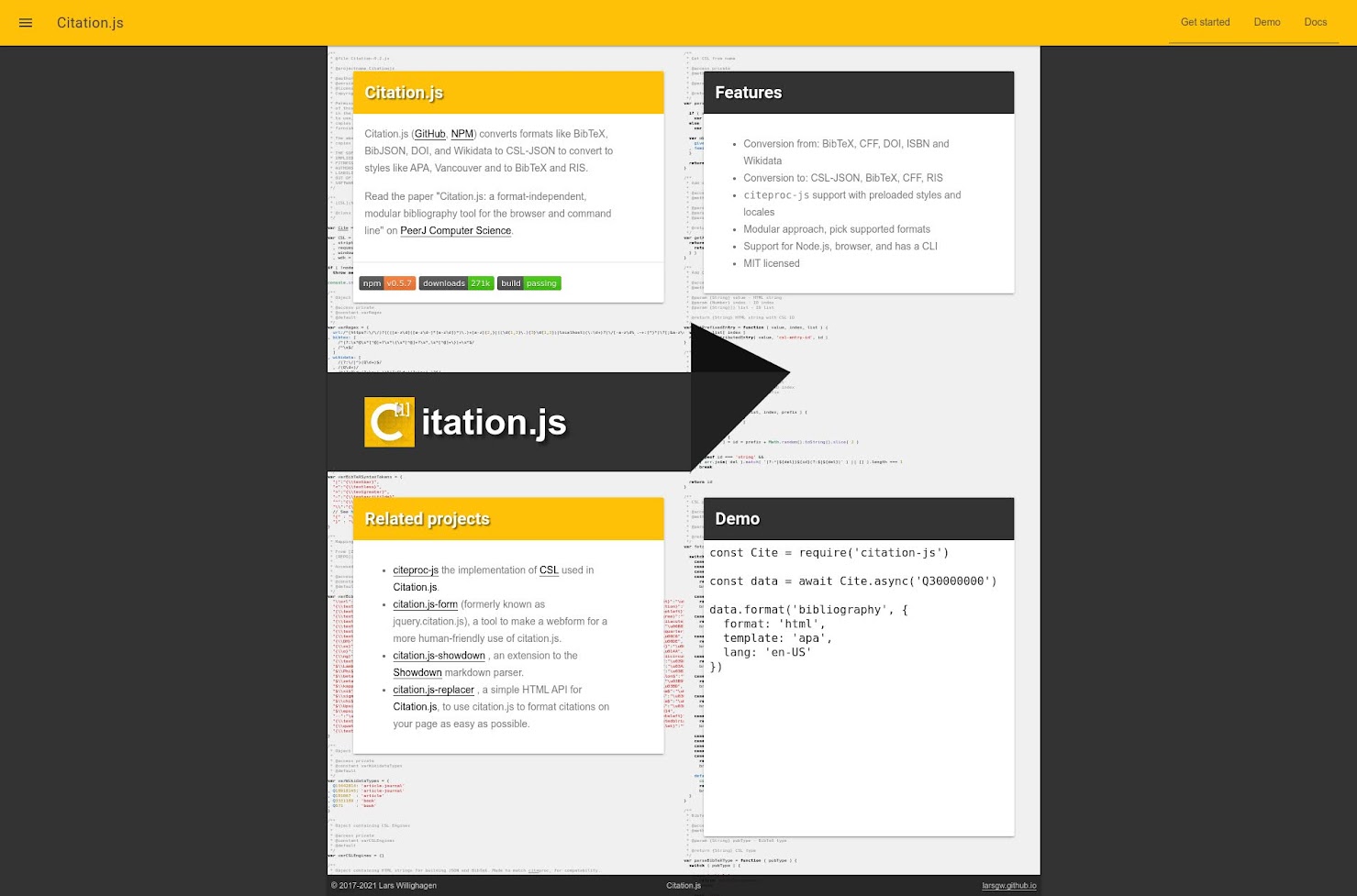
The old layout of the homepage had a dark grey background, with in the middle a grid of four cards with the main content of the site, and between the top and bottom row the Citation.js banner-variant logo. The grid of cards had a background of syntax-highlighted source code. This is actually the start of the Citation.js v2 code, which at that point still consisted of a single file. On the very top of the page was a yellow header and in the bottom a thin black footer.

The new layout incorporates a lot of the design elements of the first design, but in a way that hopefully improves the readability and feel of the page. The yellow header remains but the links are centered instead of right-aligned. The footer is full-width (though the text is still centered) and has a larger font size and vertical padding. The grid is gone, instead the top of the page has a background of code in full-width with the banner logo and some introductory text. The other content is now aligned in a single row, and the cards are replaced with plain text, although the headers still have white text with a slight shadow on a dark background.

Blog

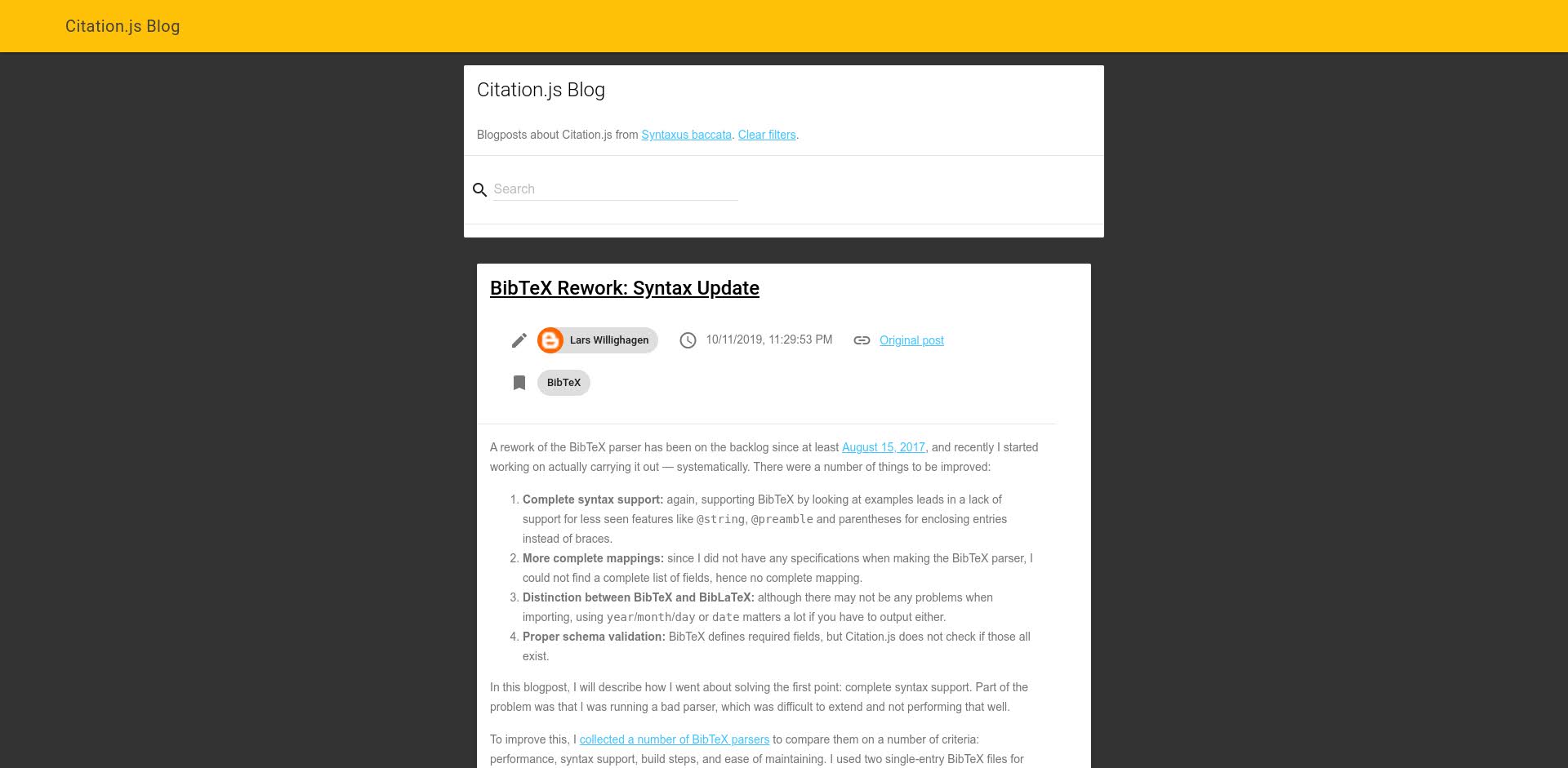
The blog page had the same header, footer, and dark grey background in the old layout, with individual blog posts as cards and the introductory text and search bar as a slightly wider card.

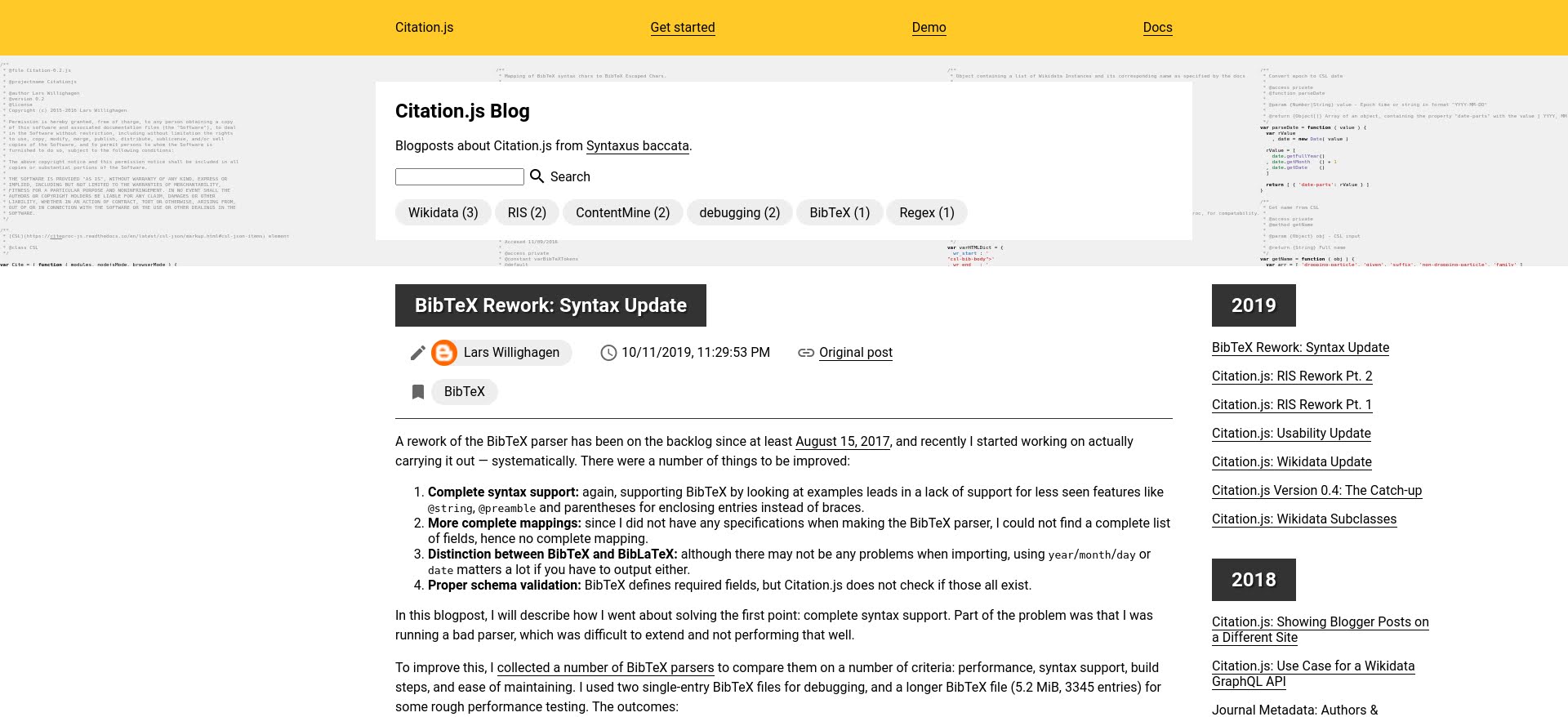
The new layout mirrors the changes to the homepage, especially the white background and full-width code background and the changing of cards to plain text. To the right of the blog content is now a sidebar listing the blog posts per year, which moves to the bottom of the page on narrow screens. Below the search bar is now a clickable list of tags.

Demo page

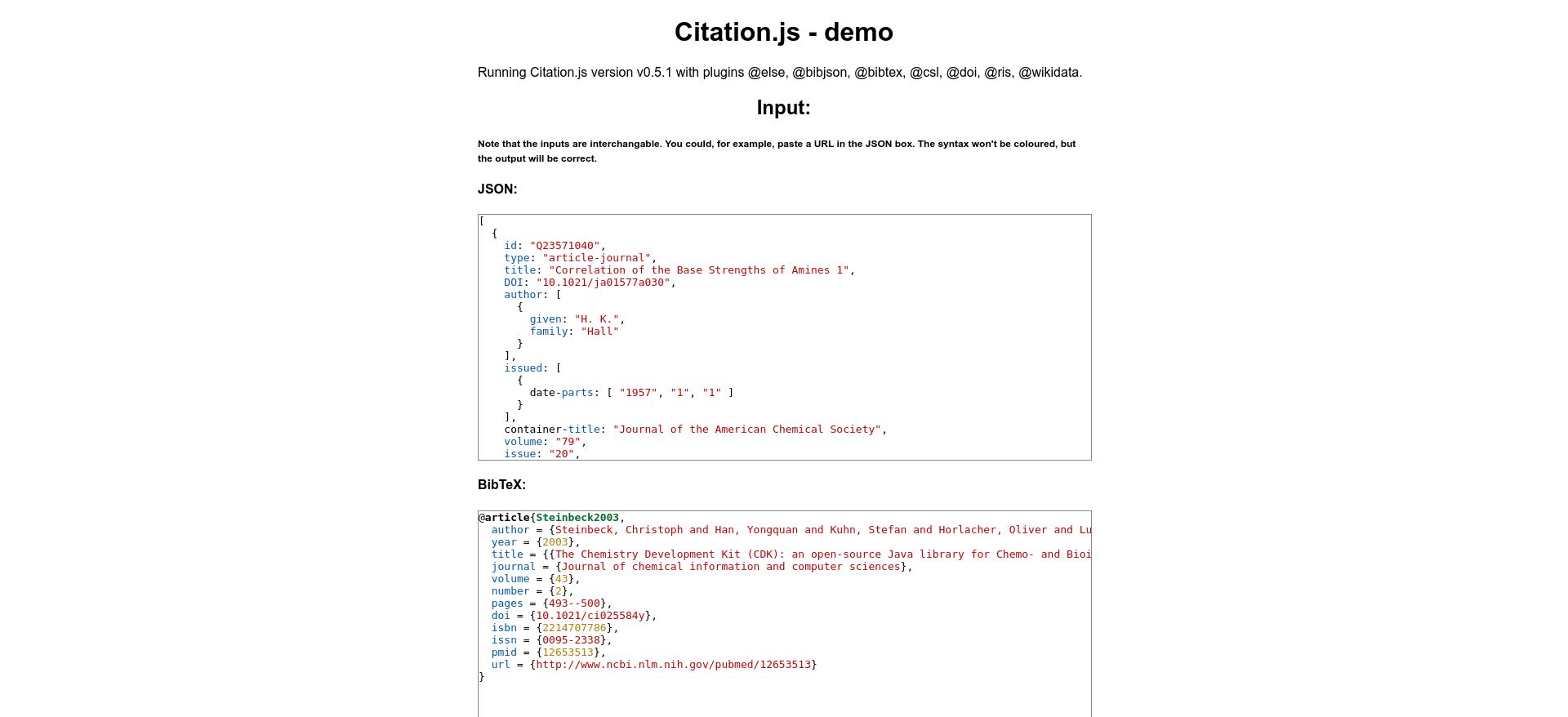
The design of the demo page has not been updated since I made it in April 2016, being more or less plain-text but with paragraphs limited in width and centered.

The new design adds the header, footer, and code background from the homepage as well as some styles for the headers. The interface of the demo is simplified at the cost of easy-to-read code. That also means that the live view of the code is removed.

API documentation

The styles of the home page now also apply to the API documentation.

Thursday, December 2, 2021

Re-implementing the upload of images for the LaTeX→HTML converter

The CDLI is developing a new website. That website’s admin interface for its journals contains a page where a LaTeX source file, following a specific template, is configured to an HTML page. For this, apart from the LaTeX file itself, two additional components are needed: a BibTeX file, containing metadata of the references; and image files.

Current implementation

The current implementation involves uploading images separately from the form that creates the article. This can lead to “orphan” images if such a form is abandoned after uploading the images. The current implementation has an additional problem, where files are saved in a single directory, so multiple images with the same file name (say, Figure1.jpg) will overwrite previous images.

ClientServerGET /admin/articles/add/cdlj200 (add page)POST /admin/articles/convert-latex200 (converted HTML, list of images)POST /admin/articles/image 'Figure1.jpg'Saves image in 'Figure1.jpg'200POST /admin/articles/add/cdlj300 /articles/<sequential ID>ClientServer

New implementation

With a new implementation of the rest of the forms, simplifying a lot of the code, the issues with the image uploads are also attempted to be resolved.

Saving images together with the metadata

To avoid the problem of the “orphan” images resulting from abandoned forms, one could submit the images in the same form that creates the article. If that form is not submitted, or contains invalid data so cannot be saved, the images will not be uploaded.

Saving images according to metadata

The second problem could be solved immediately by saving the images in subdirectories according to the metadata of the image, e.g. 2021-01/ where 2021 is the year the article is published and 01 is the article sequence number within that year. This however assumes that that metadata does not change after the initial submission.

Both these solutions however creates some constraints on other problems, because it means that the images can only be saved after the user submits the main form, so after the HTML containing <img> elements with references to the image locations is generated. Somehow, those image locations should be able to identify the article, before any information about that article is known:

ClientServerGET /admin/articles/add/cdlj200 (add page)POST /admin/articles/convert-latexAt this point the HTMLshould contain linksto the permanent locations of the images200 (converted HTML, list of images)POST /admin/articles/add/cdljAt this pointthe images are savedin a permanent location300 /articles/<sequential ID>ClientServer

So, what is the solution? I propose the following:

ClientServerGET /admin/articles/add/cdljGenerate random article ID200 (add page with embedded article id)POST /admin/articles/convert-latexGenerate image URLSaccording torandom article ID200 (converted HTML, list of images)POST /admin/articles/add/cdljVerify random article ID,save images,generate sequential ID300 /articles/<sequential ID>ClientServer

Monday, March 29, 2021

CDLI catalogue growth over time

Since Google Summer of Code 2020 I have been contributing code to the new framework of the Cuneiform Digital Library Initiative (CDLI), a digital repository for metadata, transliterations, images, and other data of cuneiform inscriptions, as well as tools to work with that data.

One of the features of the new CDLI framework is improved editing of artifact metadata, as well as inscriptions. There are several ways artifacts will be able to be edited: by uploading metadata in a CSV-format, by batch edits in the website interface, and by editing individual artifacts. At the basis of all those pathways is the database representation of individual revisions. To evaluate the planned representation, and to see if alternatives are possible, I took a look at the catalogue metadata (CDLI 2021), and what edits are being made currently.

Artifact registrations


Figure 1: The number of artifacts registered each year, split by the collection they are in. Collections with less than 7000 artifacts represented are combined into the “Other” category to keep the legend manageable. 13K artifacts without valid creation dates were excluded.

First, I took a quick look at the composition of the catalogue (Fig. 1). As it turns out some collections had most of their (included) artifacts added in a single year, such as the University of Pennsylvania Museum of Archaeology and Anthropology in 2005 and the Anadolu Medeniyetleri Müzesi in 2012. Other collections seemed to have had a more steady flows of artifact entries, particularly the British Museum. Overall, this does not help much with selecting a database representation of revisions though.

One of the options we want to evaluate is storing revisions in a linked format, similarly to how artifacts are stored now, instead of a flat format. This means that if each of those artifacts has about 10 links in total — say 1 material, 1 genre, 1 holding collection, 1 language, 1 associated composite, and 5 publications — each revision would need 10 rows for the links and 1 row for the rest of the entry. Therefore, the question is: are 11 rows per revision manageable for 343,371 active artifacts?

Revisions

To find out, let’s take a look at the daily updates of the catalogue data. With the git history, we can find out how many artifacts were edited on each day. Since the commits are made daily multiple consecutive edits to the same artifact are counted as a single revision. On the other hand, the removal of an artifact from the catalogue might be counted as a revision. Whether that balances out is hard to tell, so these numbers are a rough estimate. The analysis only goes back to 2017 unfortunately, as before that the catalogue was included as a ZIP file.


Figure 2: Number of artifact revisions per year. The 12 largest revisions are highlighted and explained below.

Figure 2 highlights in various colors the 12 revisions affecting the highest number of artifacts. Most of these are 7 consecutive in October and November of 2017. These involved editing the ID column, something which should not happen in the current system. Other large revision usually affected a single column, thereby revising almost every artifact:

  • Padding designation numbers with leading zeroes (“CDLI Lexical 000030, ex. 13” → “013”): 2020-02-11, 2018-01-26
  • Addition of new columns: 2019-09-10
  • New default values ("" → “no translation” for the column translation_source): 2018-10-30

Outside the top 12 the edits become a lot more meaningful. Often, credits for new transliterations or translations are added, sometimes with the previously undetermined language now specified.

As it turns out, approximately 3 million edits are made every year. If all those edits are stored as linked entities, we are looking at 30 million table rows, per year. However, even if the edits are stored in a flat format there would be 3 million table rows per year already. Either option might become a problem in 5–10 years, depending on SQL performance. With indexing it might not be a problem at all: usually the only query is by identifier anyway.

Changed fields

That said, let’s presume I choose the flat format. Most revisions only change one or two fields (excluding the modification date which would not be included). Duplicating the whole row might be wasteful, so what could I do to avoid that?

Since the flat format is based on the schema of the CSV files used for batch edits, each column can be considered as text, with an empty string for empty values. This leaves NULL (i.e. “no value”) available to represent “no change”. Together with MySQL’s SPARSE columns only edited fields would be stored. (Otherwise, each empty value would need to be signified as such. Now, actual values carry some extra information to the same end.)

It would also make it even easier to display a list of changes, as there is no need to compare the value with the previous one. Other operations with revisions, such as merging two revisions made simultaneously on the same version of an artifact, would be easier for the same reason.

Since this would not be possible, or not as easy, with a linked format perhaps it was good the shear volume of edits pointed me that way anyway.

References

Cuneiform Digital Library Initiative. (2021, March 8). Monthly release 2021.03 (Version 2021.03). Zenodo. http://doi.org/10.5281/zenodo.4588551

Friday, March 26, 2021

GitHub pages 404 redirection

Recently I moved the Citation.js API documentation from /api to /api/0.3, to put the new documentation on /api/0.5. I fixed all the links to the documentation, but I still got a issue request regarding a 404 error after just a few days. All in all, I had to redirect pages from /api/* to /api/0.3/* while all these pages are hosted as static files on GitHub Pages.

There are three ways I found to do this:

  1. I make otherwise empty HTML files in /api/* that redirect to /api/0.3/* via JavaScript or a <meta> tag.
  2. I make use of jekyll-redirect-from. This is equivalent to option 1, I think.

Option 1 seemed like a hassle and I do not use Jekyll so option 2 seemed out of the question as well. However, we still have option 3 to consider:

  1. I add a 404.html to the repository which gets served automatically on a 404. It then redirects to /api/0.3/* with JavaScript, and gives guidance on how to find the new URL manually if JavaScript is disabled.

404.html is just a normal 404 page with 4 lines of JavaScript:

var docsPattern = /(\/api)(\/(?!0.[35]\/)|$)/  
  
if (docsPattern.test(location.pathname)) {  
    location.pathname = location.pathname.replace(docsPattern, '$1/0.3$2')  
}

Breaking down the RegExp pattern:

  • (\/api) matches “/api” in the URL
  • (\/(?!0.[35]\/)|$) matches one of two things, immediately after “/api”
    • Either $, the end of the string (like “https://citation.js.org/api” without the trailing slash)
    • Or \/(?!0.[35]\/), which matches a forward slash ("/api/") followed by anything except “0.3” or “0.5”. This is to avoid matching things like “/apical/” or “/api/0.3/does-not-exist”.

This is not the neatest solution but I like it conceptually. It shows a bit of potential for Single-Page Applications as well: you can serve the same HTML+JavaScript for every possible path without having to rely on URLs like https://example.org/#/path/page. The problem is that you still get the 404 HTTP status (as you should), so if a browser or search crawler decides to care you have a problem.

Try it out now: https://citation.js.org/api/

The new "Page not Found" page in the same style as the homepage.